




Table of Content
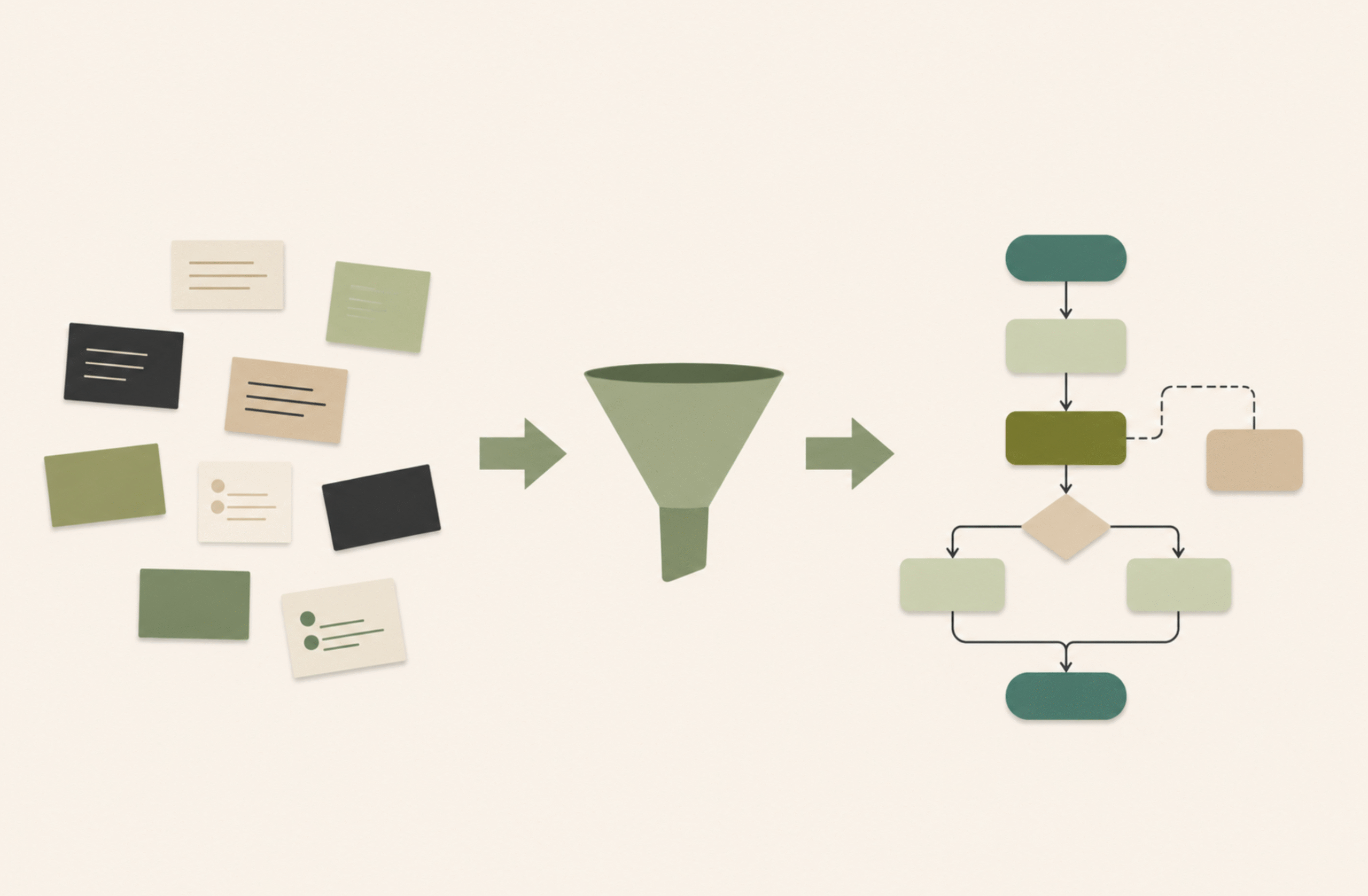
Enterprise AI systems are moving from isolated chat interfaces toward agents that participate in business workflows. To be useful in that setting, agents need reliable access to internal documents, production databases, legacy APIs, operational tools, and approval paths.
As these use cases expand, the integration burden compounds: separately built connectors can create duplicated effort, inconsistent permissions, fragmented logs, custom error handling, and unclear maintenance ownership.
Model Context Protocol, or MCP, addresses this friction by giving AI applications and agents a standard way to discover and use approved tools and resources. It creates a structured interface between AI systems and enterprise capabilities, so an agent can request defined actions, such as searching a knowledge base, retrieving CRM context, checking inventory, or starting an approval workflow.
Krasamo helps enterprises turn that interface into production infrastructure. We design and build custom MCP servers around the systems, data boundaries, and workflows that matter to the business. The result is a governed layer for agent access that reduces integration sprawl, gives teams clearer control over what agents can see and do, and creates a more reliable path for expanding agentic AI across the organization.
What an MCP Server Does
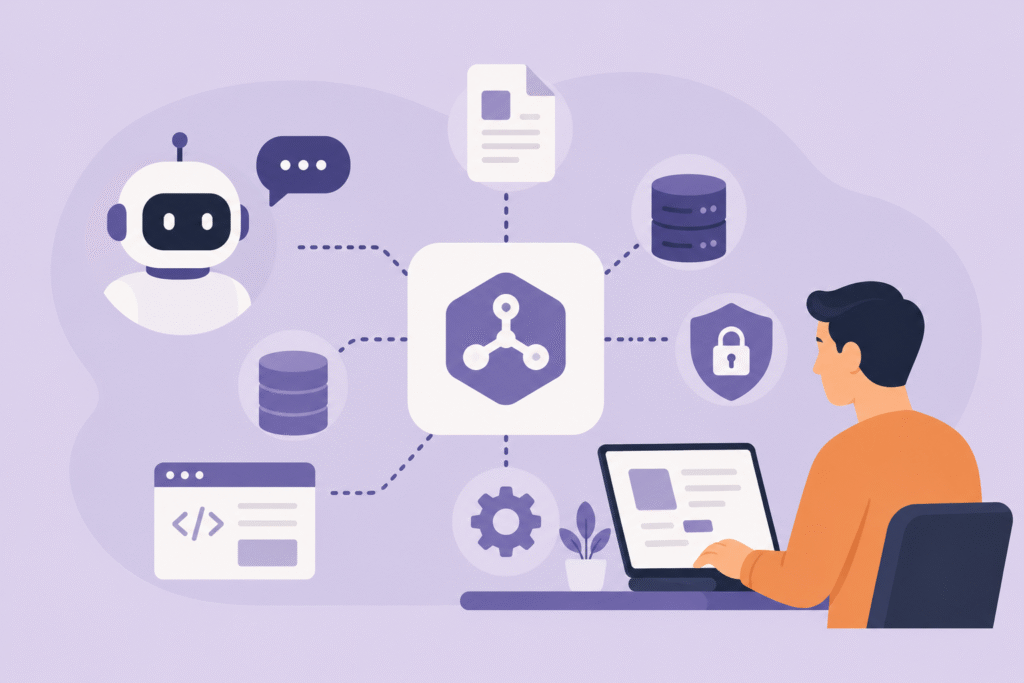
An MCP server is the service that sits between an AI application and the enterprise systems it needs to use. It can connect to document repositories, databases, business applications, ticketing platforms, code repositories, inventory systems, internal APIs, or legacy applications, then expose selected capabilities through the MCP protocol.
Those capabilities usually appear as tools or resources. Tools let the agent request an action, such as creating a ticket, running a controlled query, checking inventory, retrieving customer context, or starting an approval step. Resources provide read-only context the AI application can use, such as a policy document, customer profile, product catalog, database schema, or application log. Each exposed capability should have a clear purpose, required inputs, expected output, and rules for when it can be used.
The MCP server provides a central integration point where enterprise controls can be enforced according to the organization’s security and operational model. Depending on the architecture, it may validate requests, enforce access rules, manage credentials, call underlying systems, handle errors, and record activity for monitoring or audit. This keeps the connection between agents and business systems structured, observable, and easier to maintain as adoption grows.
When Enterprise MCP Development Makes Sense
Many organizations should start with existing MCP servers when the need is straightforward. A vendor-supported connector may be enough for common platforms such as file repositories, CRM systems, ticketing tools, cloud services, or databases where the access pattern is standard and the business logic is limited.
The case changes when agents must operate inside proprietary processes. Private databases, legacy applications, regulated data, approval flows, internal APIs, and multi-system workflows often require rules that a generic connector cannot understand. In those settings, the server has to reflect how the organization handles permissions, validation, exceptions, auditability, and operational responsibility.
A procurement assistant may need to check vendor status, apply spending thresholds, and route exceptions. A support agent may combine customer history, warranty terms, product rules, and case updates. An engineering assistant may read logs, review incident history, and limit actions based on deployment policies. These are business processes that need carefully designed interfaces.
The best path is often hybrid. Teams can use existing MCP servers for standard systems, then build or wrap custom servers where the organization needs stronger control. That custom layer can add role-based access, policy checks, audit records, approval steps, and business-specific validation. Enterprise MCP development becomes valuable when agent access must match the way the company actually operates.
MCP in Agentic AI Architecture
As enterprises move from individual assistants to agentic workflows, integration becomes part of a broader architecture. Agents need to discover tools, retrieve context, coordinate with other agents or enterprise services, follow policies, and leave a trace of what happened.
Agentic AI architecture organizes these concerns across agents, applications, data sources, and operational processes. MCP fits into this architecture as the agent-to-tool and agent-to-context interface. It defines how an AI application can discover an approved capability, request an action, retrieve relevant information, and receive a structured result.
Some enterprise architectures may also incorporate protocols for communication among agents. One example is the Agent2Agent Protocol, or A2A, which focuses on how agents communicate, delegate work, collaborate, and exchange task updates. MCP and A2A address different architectural concerns: MCP standardizes access to tools and context, while A2A is one approach for supporting coordination among agents.
The surrounding architecture adds the controls required for production use. Registries help teams know which tools, prompts, servers, and agents are approved. Identity and policy services define who can use them and under what conditions. Observability gives engineering and operations teams visibility into requests, failures, latency, and downstream effects. Orchestration connects these elements into processes that can be monitored and improved over time.
MCP is most useful when cross-client reuse, governance, and maintainability justify the added architecture. For a simple internal task, a structured API or command-line tool may be enough. For agentic systems that need reusable access to enterprise tools and data across multiple applications, MCP becomes a practical part of agentic AI architecture.
Designing the MCP Layer for Production
A production MCP layer starts with the business processes agents need to support. Teams should identify the systems involved, the information required, the actions an agent may request, and the points where human approval is necessary. This turns a broad AI use case into a defined set of tools, resources, permissions, and operating rules.
Tool design is one of the most important decisions. Each exposed action should have a clear purpose, a defined input schema, predictable outputs, and specific failure behavior. A tool that accepts vague instructions or broad free-form commands becomes difficult to govern. A better design limits scope, validates inputs, and maps each request to an approved backend operation.
Security and identity should be built into the server from the beginning. The MCP layer needs to authenticate the caller, map access to enterprise roles, protect credentials, and check permissions at the tool or resource level. Write-capable tools may require policy checks, approval steps, or additional verification before the server calls the underlying system.
As the number of servers grows, many enterprises need a gateway or control point in front of them. This control point can centralize token validation, tool-level permissions, rate limits, audit logging, PII controls, and routing across multiple MCP servers. It also gives security and operations teams one place to observe how agents are using enterprise capabilities.
Observability gives teams the feedback needed to operate agentic workflows safely. MCP servers should record tool calls, user or service identity, request status, latency, failures, rejected inputs, and downstream system activity. Metrics such as tool success rates, authorization failures, latency, and repeated tool calls can reveal reliability issues or unsafe behavior before they become business problems.
Enterprise environments also shape deployment choices. MCP servers need to run close enough to the systems they access while respecting network boundaries, security controls, latency requirements, and operational policies. Legacy applications, internal databases, message queues, and older APIs often require adapters or mapping logic so agents can use them through a cleaner interface.
Production readiness also depends on testing and release discipline. Tool schemas should be versioned, tested with expected and invalid inputs, and deployed through CI/CD pipelines. New tools should be reviewed before publication, monitored after release, and updated without breaking the AI applications that depend on them.
The goal is to create an access layer that can be secured, monitored, versioned, tested, and maintained as adoption expands.
Stack Constraints and Platform Choices
Enterprise MCP development has to fit the environment already in place. The right approach depends on where the data lives, how identity is managed, which cloud platforms are approved, how internal systems are exposed, and what observability tools the organization already uses.
Most production deployments need a runtime for the MCP server, an identity layer, access to backend systems, a monitoring stack, and a way to manage releases. Some servers may run in containerized environments such as Kubernetes or managed container services. Others may sit closer to internal systems in a private network or on-premise environment. Smaller or event-driven use cases may fit serverless patterns when latency, state, and connection behavior allow it.
Identity and access management are often among the first architectural considerations in enterprise MCP deployments. MCP servers need to work with enterprise authentication and authorization systems such as Entra ID, Okta, Auth0, Cognito, Keycloak, or existing IAM policies. The server must identify which user, service, or agent is making a request and determine whether that request is permitted for the specific tool, resource, tenant, or workflow.
The agent framework also matters. Teams may build with LangGraph, OpenAI Agents SDK, Microsoft Agent Framework, Google ADK, CrewAI, Semantic Kernel, or a custom orchestration layer. MCP should sit in a position where those frameworks can reach approved tools without tying the organization’s access logic to only one model provider or agent runtime.
Observability and operations need to match existing enterprise practices. Logs, metrics, traces, audit records, and alerts should flow into tools the organization already trusts, such as Datadog, Splunk, CloudWatch, Azure Monitor, OpenTelemetry-based platforms, SIEM systems, or internal dashboards. The MCP layer becomes much easier to operate when it fits the same monitoring and incident-response model used by the rest of the software estate.
For many organizations, the stack will mix managed connectors and custom servers. The decision is less about preference and more about which systems carry business rules, data sensitivity, or workflow complexity that a generic connector cannot handle. Making that split intentional — and knowing where to draw the line — is one of the more consequential early decisions in an enterprise MCP program.
What an MCP Development Engagement Requires
Building an MCP layer requires more than protocol knowledge. It usually brings together AI architecture, backend integration, cloud infrastructure, identity and access management, DevOps, security review, and domain expertise. The work also depends on close collaboration with product owners or operational teams who understand which capabilities agents should access and where approval or human review is required.
The scope depends on the systems involved. A simple server that exposes one internal API is very different from a production MCP layer that connects multiple systems, enforces role-based permissions, supports audit logging, and operates inside a regulated environment. Legacy platforms, custom business rules, sensitive data, and multi-step workflows increase the design and testing effort.
A structured engagement usually moves through a few phases: discovery and threat modeling, tool and resource design, identity and permission mapping, implementation, observability setup, testing, deployment, and handoff. These phases matter because common MCP failures often begin as design problems: overprivileged tools, weak credential handling, missing audit trails, unclear approval paths, or tool definitions that give agents too much freedom.
Handled properly, the engagement gives the organization more than a working MCP server. It creates a governed access layer that fits the enterprise environment, supports future agentic use cases, and gives security, platform, and product teams a shared basis for operating AI-connected workflows.
Building the MCP Layer with Krasamo
Krasamo helps enterprise teams design and build MCP-based infrastructure around the systems that matter most to their operations. That work may include custom MCP servers, tool and resource design, backend integration, identity mapping, approval flows, observability, gateway patterns, deployment automation, and ongoing support as the layer evolves.
Engagements start with the client’s environment: existing applications, internal APIs, cloud platforms, security requirements, data boundaries, and agentic AI use cases. From there, Krasamo helps define which capabilities should be exposed through MCP, which systems require custom integration, and where existing connectors or integrations can meet the need.
The result is an MCP layer that fits the enterprise stack, gives agents defined access to approved tools and data, and gives security, platform, and product teams a clear basis for managing permissions, monitoring, and change over time.